How to Take a Screenshot on a Samsung Galaxy S24
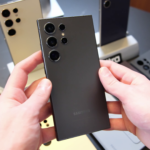
Press and hold the Side (Power) and Volume Down buttons together and release after a moment — Samsung’s wording is that “The screen will flash to indicate a successful capture.” That is the whole answer for the Galaxy S24 and every current Galaxy phone. If nothing happens, check this before troubleshooting anything else: Samsung’s own … Read more