

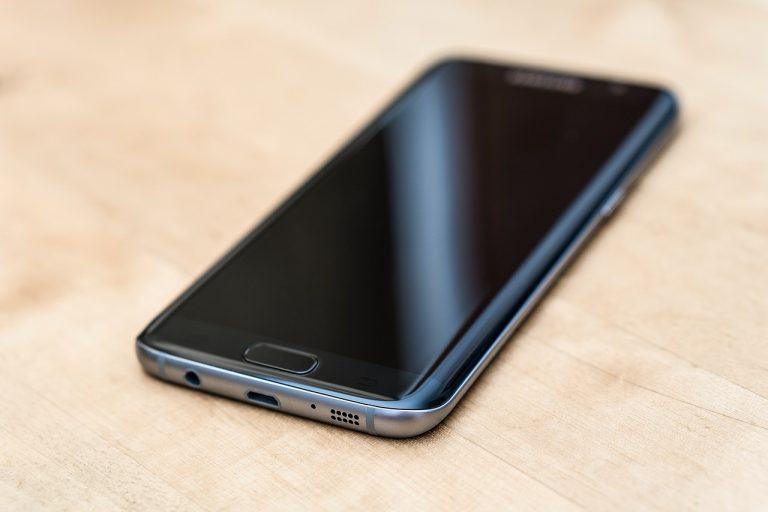
The Galaxy problems owners report most — overheating under load, battery drain, inconsistent low-light photos, and glitches after a One UI update — recur across generations, and so do the fixes: update the phone, close background apps, disable unused radios, drop the refresh rate to 60Hz, use Pro Mode in dim scenes, and clear the affected app’s cache.
Samsung’s current flagship line is the Galaxy S26 series (S26, S26+, S26 Ultra), announced at Galaxy Unpacked on February 25, 2026 and shipping since March 11, 2026 — confirmed in August 2026 at samsung.com/us/smartphones/galaxy-s26-ultra/, whose page title reads “Samsung Galaxy S26 Ultra.” Chasing the model number on a page like this is a losing game: the name changes every year, but the issues Galaxy owners report and the fixes for them stay mostly the same across generations. The fact that actually matters and doesn’t reset with each new phone is how long Samsung will keep patching the device you already own.
The fact that outlasts the model name: Samsung’s update window
Samsung’s own security page states: “As of January 2024, we are extending our security update support for Samsung Galaxy devices by up to 7 years, to help our users enjoy the latest Galaxy experiences longer and securely” (security.samsungmobile.com/workScope.smsb, fetched in August 2026). That policy covers flagship Galaxy S, Z, and Note-class devices on Samsung’s published list; budget A-series models get a shorter window under the same policy. If you’re deciding whether to keep troubleshooting an older Galaxy or replace it, checking where your specific model sits against that page is more decisive than any fix below — a phone past its update window has no route to a patch for a newly disclosed vulnerability, regardless of how well you manage its battery or storage.
Issues that recur across recent Galaxy generations
Overheating under load. Gaming and camera-heavy use can heat any modern flagship enough to throttle performance. Update the phone, close background apps, and avoid direct sunlight during heavy use — none of that is specific to one model year.
Battery life under heavy use. Screen brightness, always-on radios (Bluetooth, Wi-Fi, GPS), and display refresh rate are the three biggest levers. Dropping the refresh rate to 60Hz and disabling radios you’re not using has a bigger effect than most people expect, on any recent Galaxy.
Low-light camera inconsistency. Pro Mode gives manual control over shutter speed and ISO when the automatic mode misjudges a dim scene, and a smudged lens is a more common cause of grainy photos than most people assume.
Software glitches after an update. A phone that runs slow or has apps crashing right after a One UI update is usually a cache or index problem, not a hardware fault. Clearing the affected app’s cache, or a full cache-partition wipe as a last resort, resolves most of these.
What I could not verify from here
None of the above was tested hands-on — it’s drawn from Samsung’s own support and product pages, not a lab, and it should be read as general guidance rather than a diagnosis of your specific unit. If your model shows something this page doesn’t cover, Samsung’s own support site (samsung.com/us/support) is the primary source, not a general troubleshooting roundup.
For one common recovery step in more detail, see guide to enabling Safe Mode on a Galaxy phone.
