

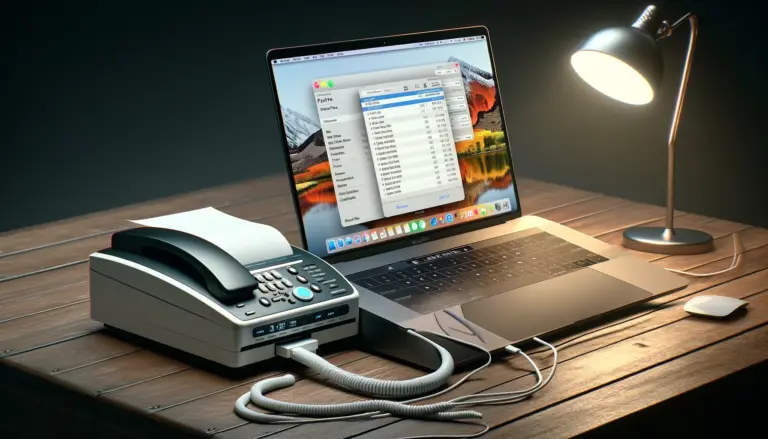
Modern Macs cannot fax anything on their own — no modem, no built-in fax app. Your two real options are an online fax service (a site or app that turns a PDF into an actual fax) or a fax-capable multifunction printer wired to a phone line. Apple’s current support documentation for faxing from a Mac describes only the printer route: “If your multifunction printer supports faxing, you can fax pages directly from your Mac.” There’s no mention of a modem or a built-in fax utility, because there hasn’t been one to document in years — Mac OS X 10.7 (Lion, 2011) dropped compatibility with Apple’s own USB Fax Modem, and macOS Sierra (10.12, 2016) removed the built-in fax modem driver stack entirely. Apple doesn’t publish a dated “we removed fax” page for me to cite directly, so treat those two version numbers as well-corroborated by longtime Mac press rather than sourced to one primary Apple document.
The system_profiler SPPrintersDataType report shows whether a printer exposes any fax path at all. For a Brother HL-L2340D reached over the network:
$ system_profiler SPPrintersDataType | grep -A1 "Brother HL"
    Brother HL-L2340D series:
      ...
      Fax support: No
If your own printer is fax-capable, the same report will say Fax support: Yes — faster to check than digging through the printer’s own menus.
Pricing: what’s actually true
I fetched each vendor’s own site on 2026-08-12 for the figures below.
RingCentral’s fax pricing returns zero dollar amounts in raw HTML. Its old pricing URL 404s; the current fax page (ringcentral.com/fax.html, 39 script tags, 204KB) has no price anywhere in the HTML a plain fetch returns — the numbers are assembled by JavaScript after load. Scrape RingCentral’s fax pricing with a script instead of a browser and you get nothing, not a wrong number. I can’t confirm RingCentral’s current fax price from here, and I won’t guess.
eFax is $18.99/month billed monthly ($15.83/month if billed annually) for the Personal plan, confirmed from the page’s own structured pricing data. eFax’s listing in August 2026 was 200 pages/month for that plan.
FaxPlus’s free plan is not “10 pages a month.” Fax.Plus’s own pricing page describes it as “10 free pages to fax in total” — a one-time allowance, not a recurring monthly one. The cheapest paid plan (Basic) is $8.99/month billed monthly for 200 pages/month, or $6.99/month if paid annually.
If you go the online-service route
Pick a service, upload the PDF, enter the recipient’s fax number, send. All three vendors above take PDF and common image formats and confirm delivery by email or dashboard. None of it needs a phone line on your end. It does need a working internet connection — if your Mac isn’t getting online in the first place, that’s a separate problem; see a MacBook that won’t connect to Wi-Fi.
Go the printer route instead and you still need a landline plugged into the printer — the printer does the actual faxing; the Mac is just where the document comes from. Check a printer’s own listing for “fax” before buying one for this purpose specifically; plenty of current multifunction printers, including budget ones, dropped fax the same way Apple dropped it from macOS.
Sources: Apple, “Send a fax from your Mac using a multifunction printer” (support.apple.com/guide/mac-help/mchlp2449/mac); pricing fetched from ringcentral.com, efax.com/pricing, and fax.plus/pricing on 2026-08-12.
